

Hi guys, today I would like to share how to use the 3-finger screen function of Redmi 9T.
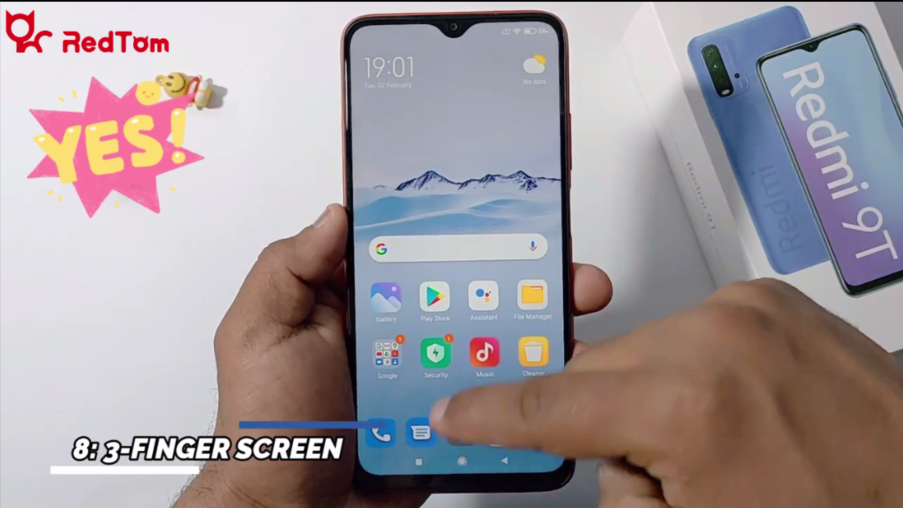
1. Click the Settings on the screen.
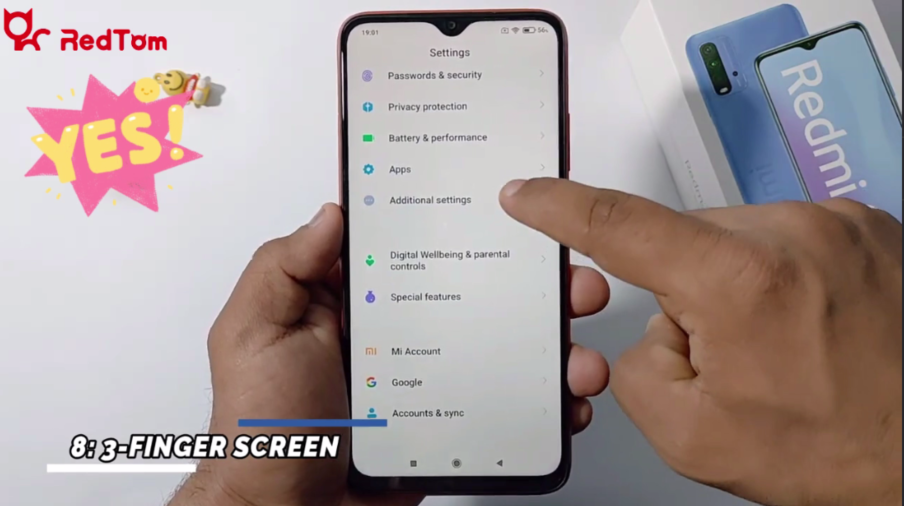
2. Click Additional settings in the list.
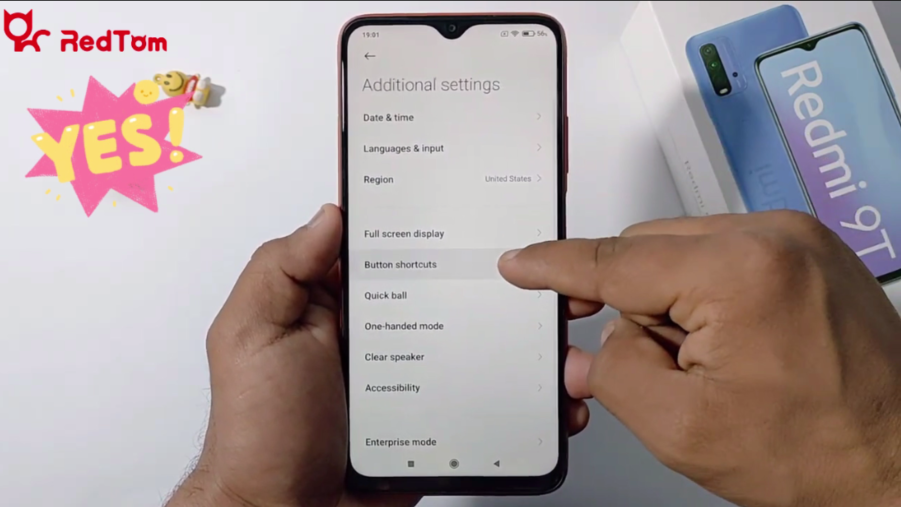
3. Click Button shortcuts.
4. Click Take a screenshot.
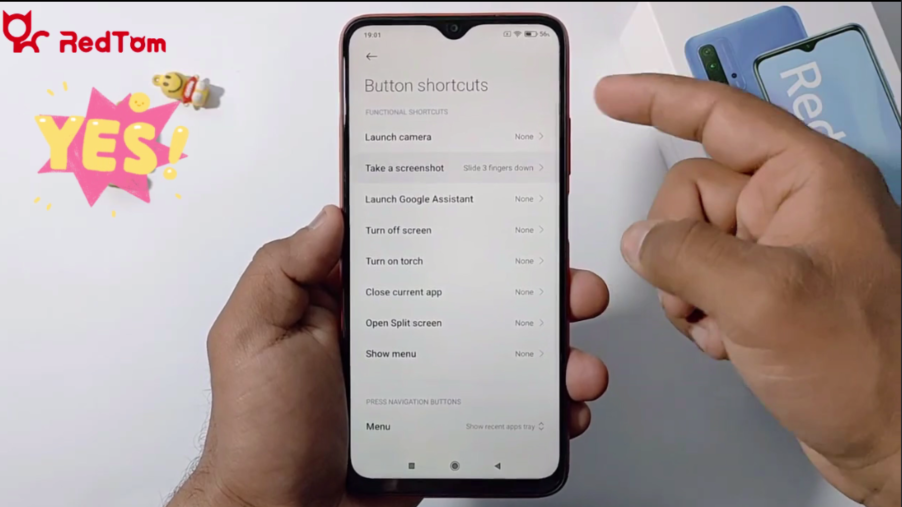
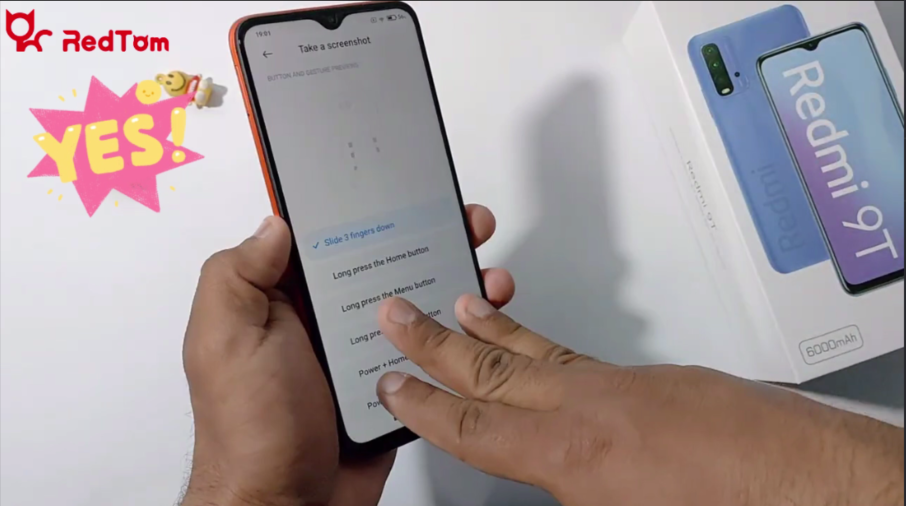
5. You can see different options to take a screenshot.
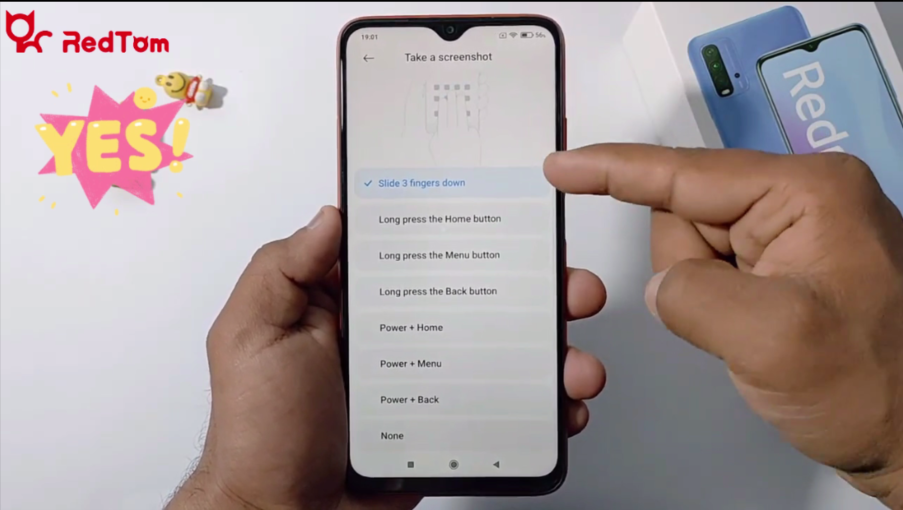
6. By the first option, you can take a screenshot with your 3 fingers.

 Leo-nike
 Jason
Jason 

 Gelo
Gelo